Feature guide
AI mascot videos: UGC ads with a creature up front
An AI mascot video puts a creature presenter in your ad instead of a realistic human creator. See when that works better, how to make one in ugcvid, and its limits.
Updated September 2026
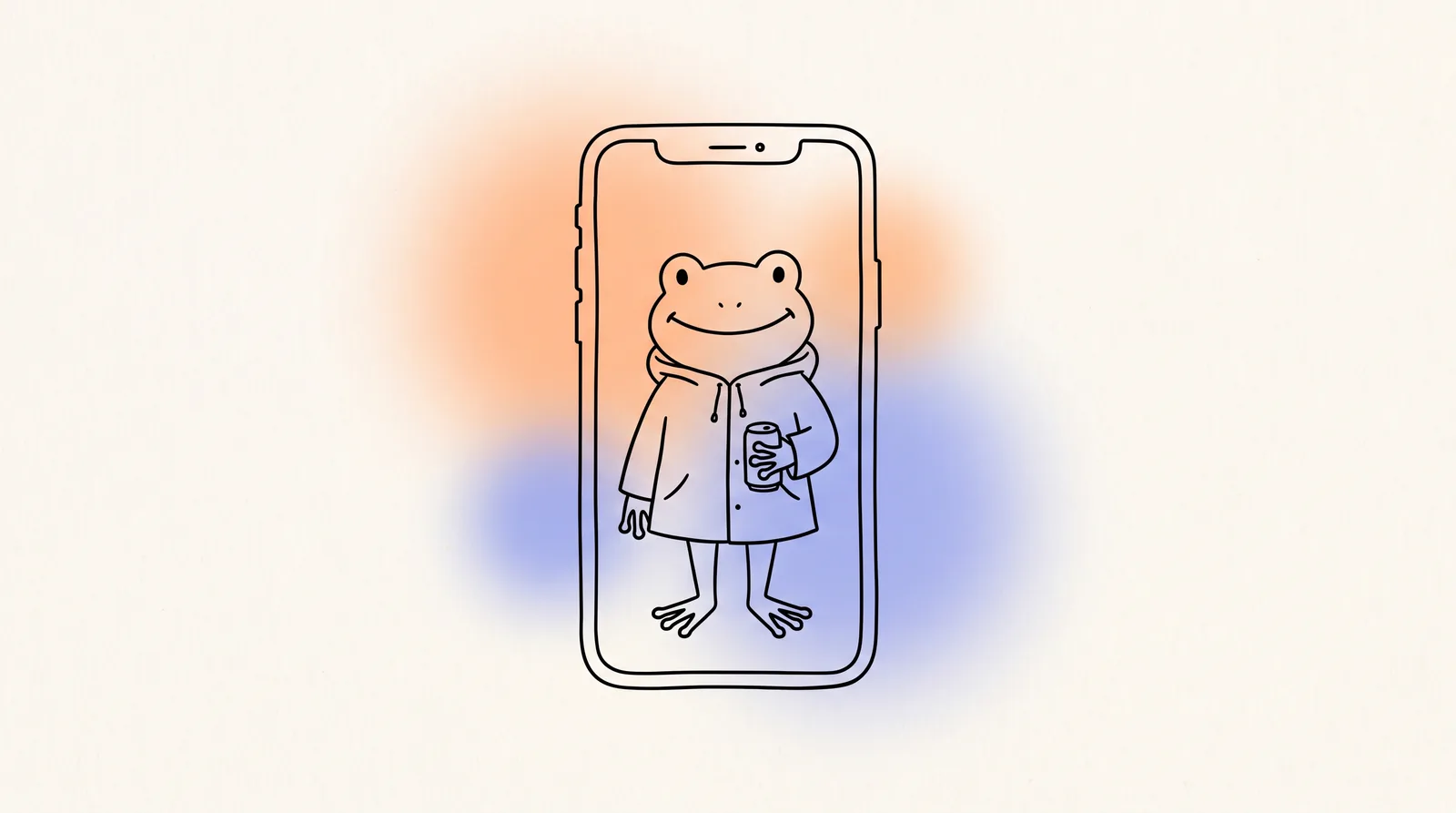
What does an AI mascot video generator do?
An AI mascot video generator makes a short ad with a character in front instead of a person. In ugcvid, you add a product photo or a link to your site, store page or app listing. Then you choose Creature where you would normally choose a woman or a man. ugcvid studies the product, writes a script with a hook for its category and casts a creature presenter. A 15-second, watermark-free video comes back in 9:16 or 16:9, usually within a few minutes. The presenter looks like a creator filming on their phone, except the head is a frog, an octopus, an owl or a robot. Your product photos are used as references, so the packaging or app screen matches what you uploaded.
What do the creature presenters look like?
These three clips run in the showcase on our homepage. Here they play as silent previews. In the finished videos, the creature speaks.
Canned drink · frog presenter SaaS dashboard · octopus presenter Learning app · owl presenter

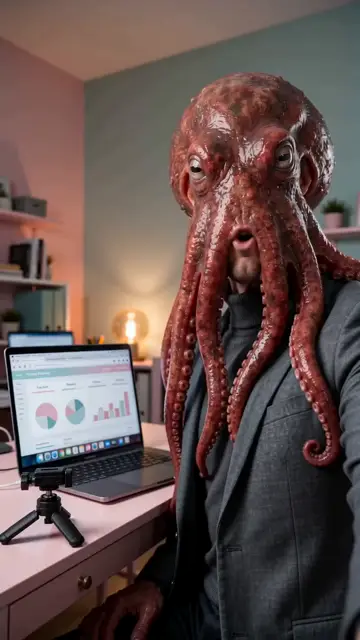

The style is odd on purpose. You see a real-looking room, handheld framing and everyday clothes, with an animal or robot head where the face would be. That contrast makes people stop scrolling. The rest of the ad follows the usual UGC order of hook, problem, product and call to action, so it still sells the product.
When does a mascot beat a human-looking creator?
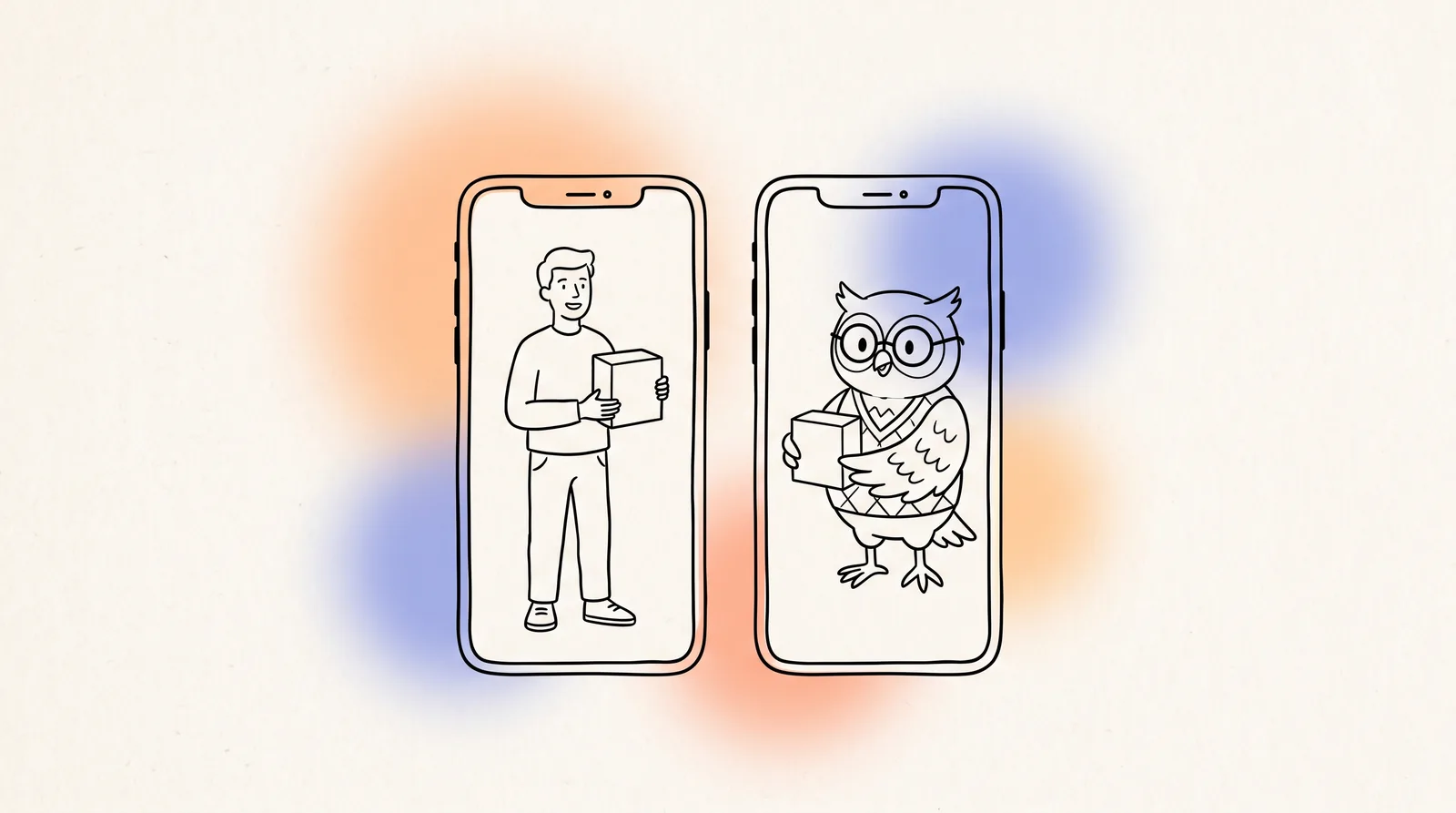
A creature presenter beats a realistic creator when the ad needs attention more than trust. It suits playful, low-risk buys such as snacks, drinks, games, consumer apps, pet products and gadgets. A strange first frame earns the view, and the product does the rest. It also helps people remember the ad, because “the ad with the frog” is easier to recall than one more face. Nobody mistakes an octopus for a real customer, so the ad does not look like a personal review you cannot back up. A realistic creator is still the better choice when the pitch depends on believing a person’s experience.
| Situation | Better choice | Why |
|---|---|---|
| Snacks, drinks, candy | Creature | Impulse buys where the first second matters more than a detailed pitch. |
| Games and consumer apps | Creature | A playful presenter matches the product and stands out among screen recordings. |
| Pet products | Creature | An animal presenter fits the category and makes the joke for you. |
| Kids’ products, aimed at parents | Creature, usually | Characters are familiar in the category and do not pose as a real parent. Check ad rules for children’s products. |
| Viewers are tired of your realistic ads | Creature | A different kind of first frame wins attention back when your ads are full of similar faces. |
| Skincare, supplements, fitness results | Realistic creator | The claim depends on a body or a result. A creature cannot show that, and a synthetic human should not pretend to either. |
| Finance, insurance, high-ticket items | Realistic creator | Buyers want to feel a careful, trustworthy person is talking. A joke can hurt that. |
| Premium or luxury positioning | Realistic creator | A novelty presenter can make a quiet, premium brand look cheap. |
If you are not sure, you do not have to pick. Run a batch with realistic creators and a batch with Creature for the same product, then let the numbers decide. To compare with hiring human UGC creators, including cost, see AI UGC vs hiring UGC creators.
Why does a creature avoid the fake testimonial problem?
A realistic synthetic creator saying “I used this for a month and my skin cleared” is a problem. No one used it, and a viewer has no way to tell. That is the main ethical and legal worry with AI UGC. It is also why platforms ask for AI-disclosure labels on realistic synthetic people.
A frog holding a can has much less of this problem. Nobody believes the frog is a customer, so viewers see the ad as entertainment plus product information. Product claims still need to be true, and you should still label AI content where a platform asks. In a category where a realistic face would suggest a real experience, a creature is the more honest choice.
How do you make a mascot video in ugcvid?
- Add the product: one photo, or a link to your website, online store, App Store or Google Play listing, plus an optional short description.
- Choose the format: 9:16 for TikTok, Reels and Shorts, or 16:9 for YouTube and Facebook.
- Under creator, choose Creature instead of Woman, Man or Surprise.
- Choose how many takes, up to five. Each take gets a different hook, character, angle and setting.
- On a paid plan, choose the language. Then generate. Each video appears in your dashboard when it finishes.
The product stays saved, so you can come back and make more creature or realistic takes without uploading it again. If you plan to run the ads on TikTok, our TikTok ad generator guide covers hooks and formats in more detail.
Limitations
- No custom mascots. You cannot upload your own character, logo mascot or reference drawing. Every presenter is synthetic and chosen by ugcvid.
- No fixed character. You choose Creature, not a specific creature. You cannot keep the same one across every video, so it cannot act as your fixed brand character.
- One look. The creatures are animal or robot heads on a person in a real-looking setting, as in the examples above. For flat 2D cartoon animation or a 3D animated short, you need a different kind of tool.
- No script editor. The script is written from your product. You guide it with the link and the description. If you want to write every line, see our UGC ad script templates.
- Not unique. AI output is not guaranteed to be one of a kind, so a similar-looking character may appear in someone else’s ad.
How much does a mascot video cost?
A creature video costs the same as any other video, 100 credits for 15 seconds. New accounts get 100 free credits, enough for one video, and you can choose Creature for it. After that, plans start at $9.99 a month for 300 credits, about three videos. Growth is $19.99 for about ten, and Scale is $39.99 for about 25. Credits refill monthly. The full breakdown is on the pricing page and on the homepage.
Common questions
- What is an AI mascot video generator?
- It is a tool that makes a short video ad with a non-human character instead of a person. On ugcvid, the character is a creature presenter, such as a frog, an octopus, an owl or a robot. It talks to camera about your product in the same handheld, vertical style as a normal UGC ad. You add a product photo or link and choose Creature instead of a woman or a man. ugcvid makes the script, setting and edit, and you get a 15-second, watermark-free MP4 in 9:16 or 16:9.
- Can I upload my own brand mascot?
- No. ugcvid does not accept custom characters, uploaded mascots or avatars of real people. Every presenter, human or creature, is synthetic and chosen by ugcvid. You cannot pick one specific character or keep the same one across every video. If your brand already has a mascot and every ad must show that exact character, you need an animation studio or a tool built for custom characters. ugcvid suits brands that want an eye-catching non-human presenter without being tied to one fixed character.
- When should I use a mascot instead of a human creator?
- Use a creature presenter when the product is playful, an impulse buy or low-risk, such as snacks, drinks, games, consumer apps, pet products and novelty gadgets. It also helps when a realistic face would suggest a personal review you cannot back up, or when your audience is tired of the realistic faces in your ads. Use a human-looking creator for anything that depends on trust in a person's experience, such as skincare results, health, finance or expensive purchases.
- Are mascot ads better for kids' products?
- Often, yes. A character is a natural fit for products bought for children, because parents are used to characters on toys, snacks and learning apps, and a creature does not pretend to be a real parent. The rules stay the same, though. Many countries and most ad platforms strictly control ads aimed at children. Target the parent, keep claims modest and check the platform's policy for your category before you run the ad. You are responsible for the claims either way.
- Does a creature video cost more than a normal UGC video?
- No. A creature video costs 100 credits for 15 seconds, the same as a video with a realistic creator. New accounts get 100 free credits, enough for one free video, and you can choose Creature for it. Paid plans start at $9.99 a month for 300 credits, about three videos. The Growth plan at $19.99 covers about ten. Credits are only spent on videos that finish, and one batch can include up to five takes of the same product.
- Can a mascot ad speak languages other than English?
- Yes. Language is a separate choice from the creator. On any paid plan, a creature presenter can speak any of the 16 supported languages, including Hindi, Spanish, Arabic, Japanese and Indonesian, at no extra credits. The free first video is English only. A non-human presenter also suits campaigns in several countries. A frog or an owl has no clear nationality, so the same idea can run in many markets without casting a local face for each one.
Keep reading
- Free AI UGC video generatorTry a creature presenter on your free first video.
- Multilingual UGC adsDeliver the same ad in 16 languages on any paid plan.
- TikTok ad generatorVertical product ads built for the first two seconds.
- The best AI UGC video generatorsEleven tools compared on input, casting and price.