Guide
An AI TikTok ad generator, and how to use one well
How to use an AI TikTok ad generator: the specs TikTok expects, a 15-second structure that keeps people watching, the AI label you must turn on, and how to test several takes without filming anything.
Updated September 2026
How do you make a TikTok ad with AI?
Give an AI TikTok ad generator one product photo or link, and it gives you back a finished vertical video. ugcvid writes a script that opens with a hook, picks an AI creator, and delivers a 15-second 9:16 MP4 with no watermark in a few minutes. Upload it to TikTok Ads Manager, turn on the AI-generated content setting, and test several takes against each other.
What are TikTok's ad video specs?
Most TikTok ads are In-Feed ads, shown between normal videos in the For You feed. These are TikTok’s own specs for them, as published, September 2026:
| Spec | TikTok requirement | ugcvid output |
|---|---|---|
| Aspect ratio | 9:16 vertical recommended | 9:16 (16:9 also available) |
| Resolution | At least 540×960; 720×1280 or higher recommended | HD vertical |
| Duration | 5 to 60 seconds; 9 to 15 seconds recommended | 15 seconds |
| File type | .mp4, .mov, .mpeg or .3gp | .mp4 |
| File size | Up to 500 MB | Well under the limit |
TikTok also places the caption, account name and buttons over the bottom and right of the screen. Keep the product and any on-screen text in the middle of the frame, away from those edges. UGC-style video fits this well, because a creator talking to a phone camera sits in the centre.
What should happen in a 15-second TikTok ad?
A 15-second ad has room for one idea. Most short UGC ads follow the shape below, and ugcvid’s scripts are built around it:
- 0 to 2 seconds: the hook. A line or image that makes people keep watching. For example, a specific complaint (“My skin gets oily by lunch”), a surprising claim you can prove, or the product doing something you can see. Never a logo, and never “Hi guys”.
- 2 to 6 seconds: the problem. Help viewers see their own problem. One sentence is enough.
- 6 to 12 seconds: the product. Show it in hand and say the one thing it does about that problem. Show one benefit instead of listing five features.
- 12 to 15 seconds: the ask. A plain call to action that matches where the ad leads: “link’s below”, “it’s on sale this week”, “download it free”.
If a viewer swipes away in the first two seconds, they never see the rest. So test the hook more than anything else. For more opening lines and full scripts, see the UGC ad script templates.
Does TikTok require a label on AI-generated ads?
Yes. TikTok’s advertising policy on misleading content says ads with realistic AI-generated or significantly AI-edited video, images or audio must be disclosed. In Ads Manager, tick “This ad contains AI-generated content” when you build the ad. This adds a label to it. TikTok says undisclosed AI content can get an ad rejected or restricted.
Every creator in a ugcvid video is AI-made, so turn the setting on for every ugcvid ad. Two more points:
- A label does not stop a UGC-style ad from working. The format, pacing and hook are what keep people watching.
- The label does not cover your claims. If an AI creator says your serum “cures acne”, that breaks the same policy as a human saying it. Only make claims you can prove, and check TikTok’s rules for regulated categories.
How does ugcvid make a TikTok ad?
You give it one thing: a product photo, or a link to your website, store page, or App Store or Google Play listing. A short description is optional. Then:
- ugcvid studies the product and writes a script with a hook that fits its category, so a skincare product and a budgeting app open in different ways.
- It picks a realistic AI creator for you, and you can choose their gender. If your brand prefers a non-human presenter, cartoon-style mascot characters are available too.
- Your product photos are used as reference images, so the packaging, label or app screen in the video matches what you uploaded.
- It picks a setting, then renders and edits the video in one pass into an HD MP4 with no watermark, usually in a few minutes.
On paid plans, a video can be delivered in any of 16 languages at no extra credits. This helps if you run TikTok ads in several countries; the multilingual UGC ads guide lists them. The same account works on the web and in the mobile app.
How should you test multiple TikTok ad takes?
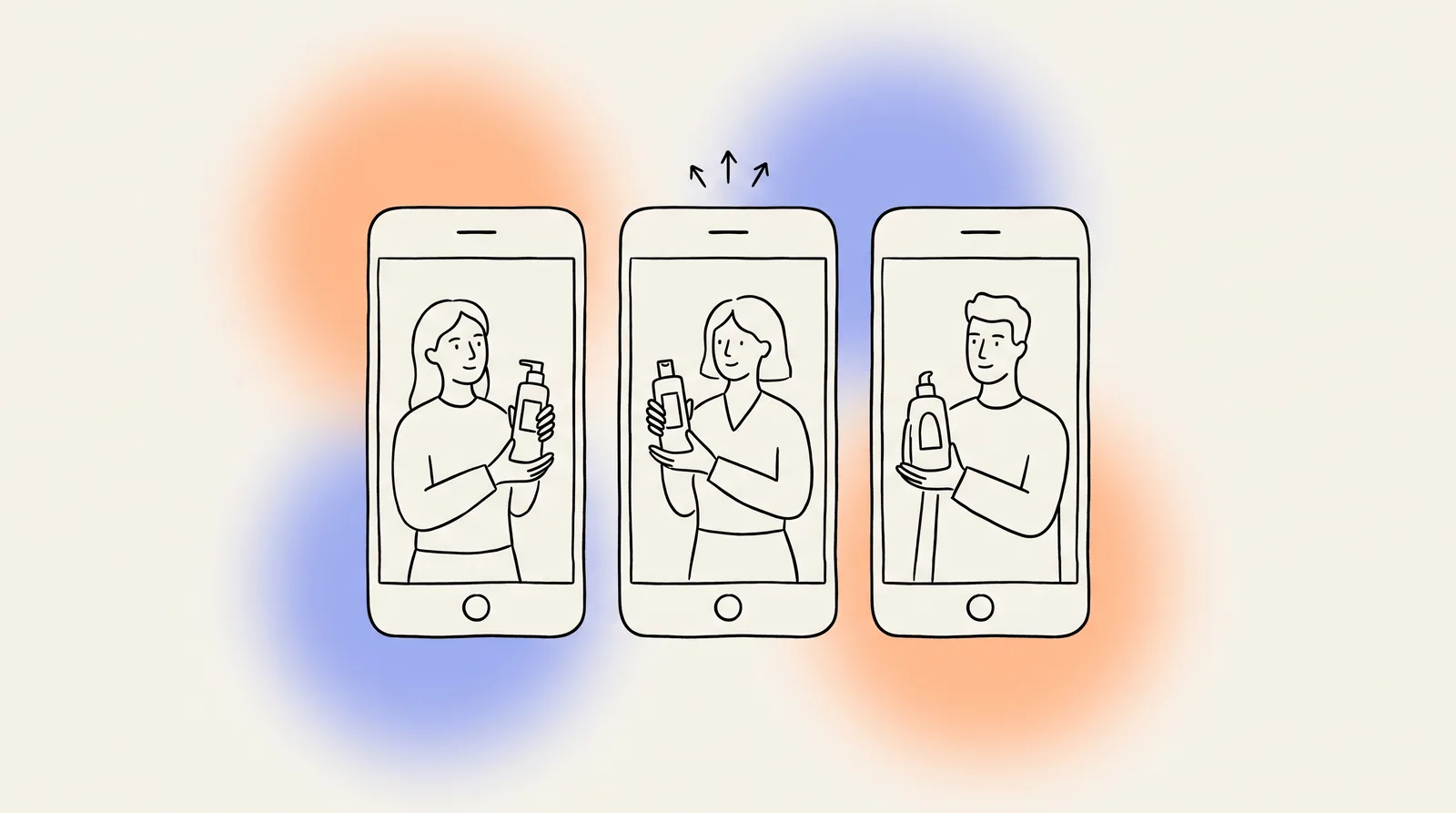
One ad on its own rarely tells you much. ugcvid makes up to five takes per batch, each with a different hook, creator, angle and setting, so you get a test set ready to go. A simple way to run it:
- Put the takes in one ad group. Use the same audience, budget and landing page, so the video is the only thing that changes.
- Give it a few days. Results after only a few hundred impressions are mostly chance.
- Check the early numbers first. Two-second and six-second view rates show whether the hook works. Click-through rate and cost per result show whether the rest of the ad works.
- Build on the winner. Your product stays saved, so you can make more takes later without uploading again. Keep the winning angle and try new hooks with it before people get tired of the ad.
A 15-second video costs 100 credits, so five takes use 500. Starter at $9.99 a month covers about three videos, Growth at $19.99 about ten, and Scale at $39.99 about twenty-five. See the pricing page or the plans on the home page. Your first video is free with 100 credits and no card, as the free AI UGC video generator guide explains.
Which other tools make TikTok ads?
Many AI video tools export 9:16, and they fall into two groups. Product-first tools, like ugcvid, write the script from your product. Script-first tools have a presenter read a script you write, which suits teams that already have copy. The best AI UGC video generators roundup compares the main tools, and there are pages on Arcads, Creatify and MakeUGC alternatives. If you are choosing between AI and hiring creators for TikTok, the UGC ads cost guide puts the numbers side by side.
Common questions
- What is an AI TikTok ad generator?
- It is a tool that turns a product input into a finished TikTok video ad, with no filming. Good ones also write the script, choose a presenter and edit the result into a vertical 9:16 file. ugcvid takes one product photo or one link to your store, website or app listing. It returns a 15-second UGC-style video of an AI creator talking about the product, with no watermark and ready to upload to TikTok Ads Manager.
- What size should a TikTok ad video be?
- Vertical 9:16. TikTok's In-Feed ad specs, as published, September 2026, accept videos from 5 to 60 seconds and recommend 9 to 15 seconds. The minimum resolution is 540 by 960 pixels, and 720 by 1280 or higher is recommended. Accepted file types include MP4 and MOV, up to 500 MB. Most advertisers export at 1080 by 1920. ugcvid's standard 15-second 9:16 MP4 fits these limits with no resizing or trimming.
- Do AI-generated TikTok ads need a label?
- Yes. TikTok's advertising policy says ads with realistic AI-generated or significantly AI-edited images, video or audio must be disclosed. The easiest way is the setting in TikTok Ads Manager, 'This ad contains AI-generated content', which adds a label to the ad. TikTok says undisclosed AI content can get the ad rejected or restricted. Every ugcvid creator is AI-made, so turn this on for every ugcvid ad you run.
- How long should a TikTok ad be?
- Aim for 9 to 15 seconds, which is what TikTok recommends for In-Feed ads. Fifteen seconds is enough for a hook, one problem, the product as the answer and a call to action. Longer ads can work for products that need a demo, but every extra second is another chance for the viewer to swipe away. Start at 15 seconds, and go longer only after a short version proves the angle works.
- How many TikTok ad variations should I test?
- Three to five per product is a good start on a small budget. The hook matters most, so give each version a different opening instead of only changing the background or music. ugcvid makes up to five takes per batch, each with a different hook, creator, angle and setting. Run them in the same ad group with equal budget for a few days. Then keep the one with the best hold rate and cost per result.
- Can I use ugcvid videos in TikTok Spark Ads or regular ads?
- You can upload them as regular In-Feed ads in TikTok Ads Manager, or post them on your brand account and boost them. ugcvid videos may be used for any lawful purpose, including paid ads. You are responsible for the claims about your product and for turning on TikTok's AI-generated content label. AI output is not guaranteed to be unique, so keep your own records of what you ran.